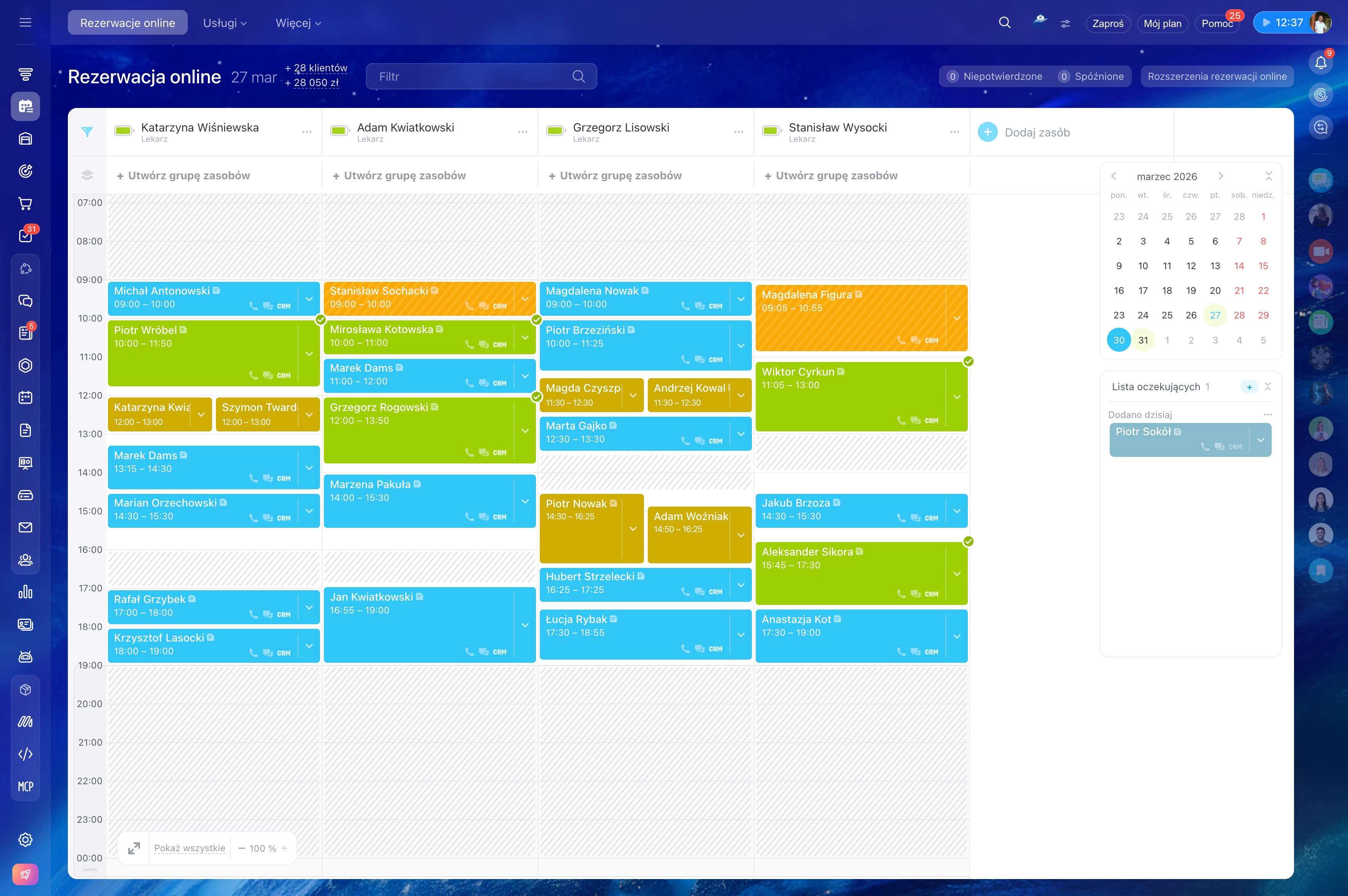
Missed appointments often begin with a booking that has no clear next step.
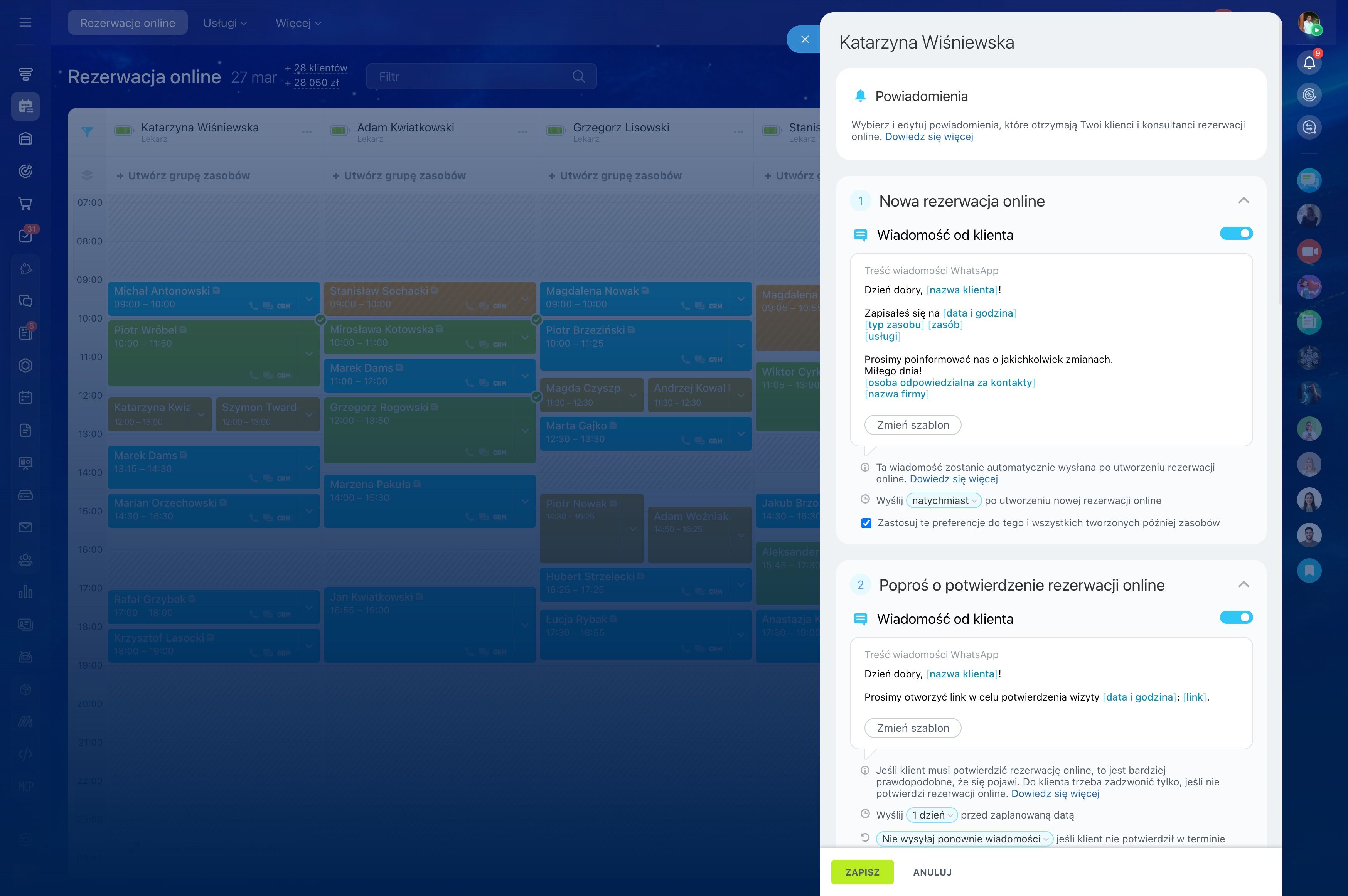
Missed appointments often begin with a booking that has no clear next step. Customers need a reliable confirmation, a reminder before the visit, and an easy way to change the time when plans shift.
Bitrix24 supports this flow from availability or a booking widget to the CRM record, confirmation, reminder, and rescheduling follow-up. Keep the customer, appointment, responsible employee, calendar details, and required resource connected so staff can act before a booking becomes a no-show.
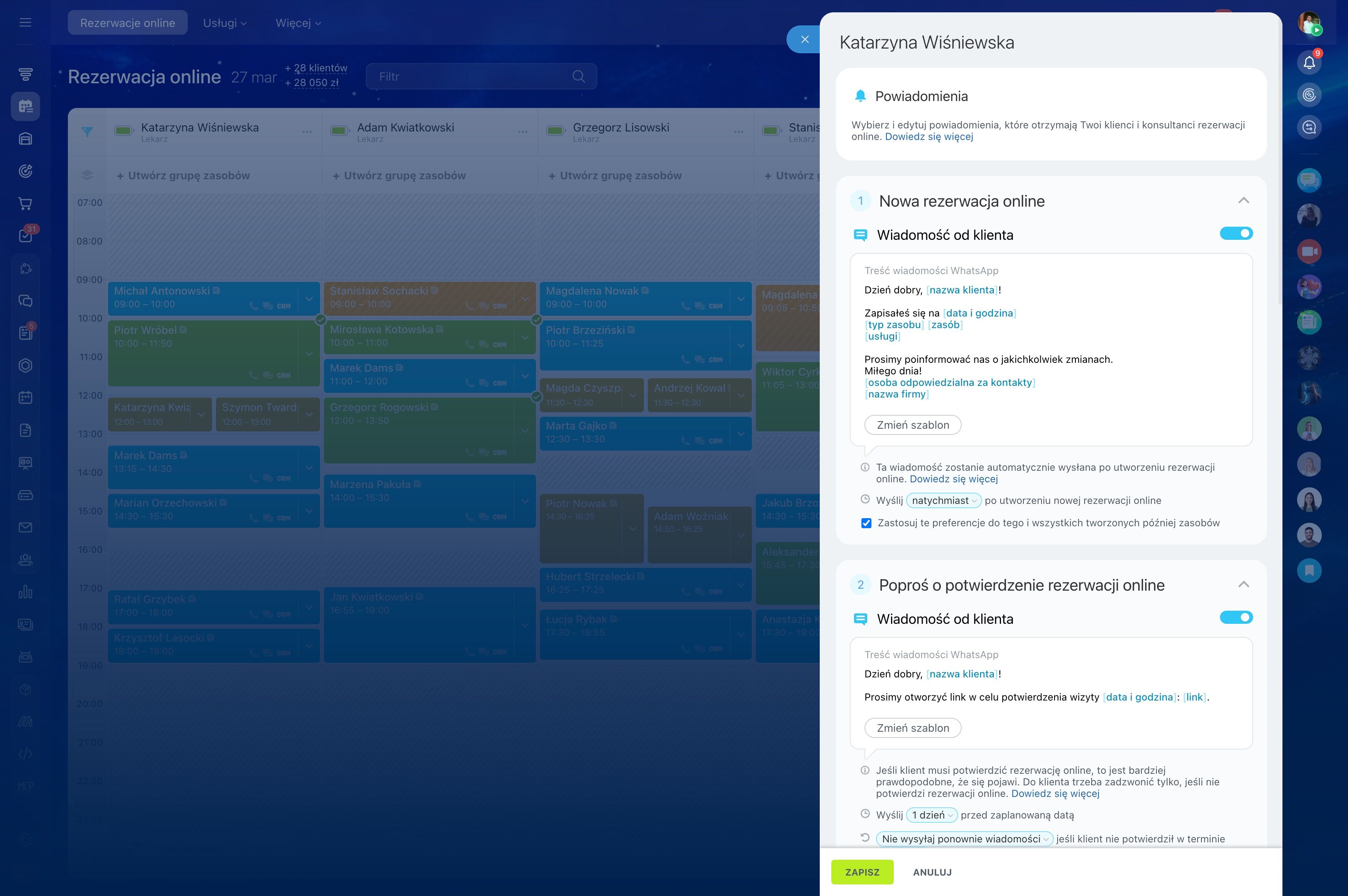
Make reminders part of the booking flow
A reminder brings the appointment back to the customer’s attention after the original booking. Treat it as a planned stage connected to the appointment record, with the timing and responsible team member defined for the service.
This also gives staff a clear point at which to notice questions or changes before the scheduled visit.
Offer times your team can support
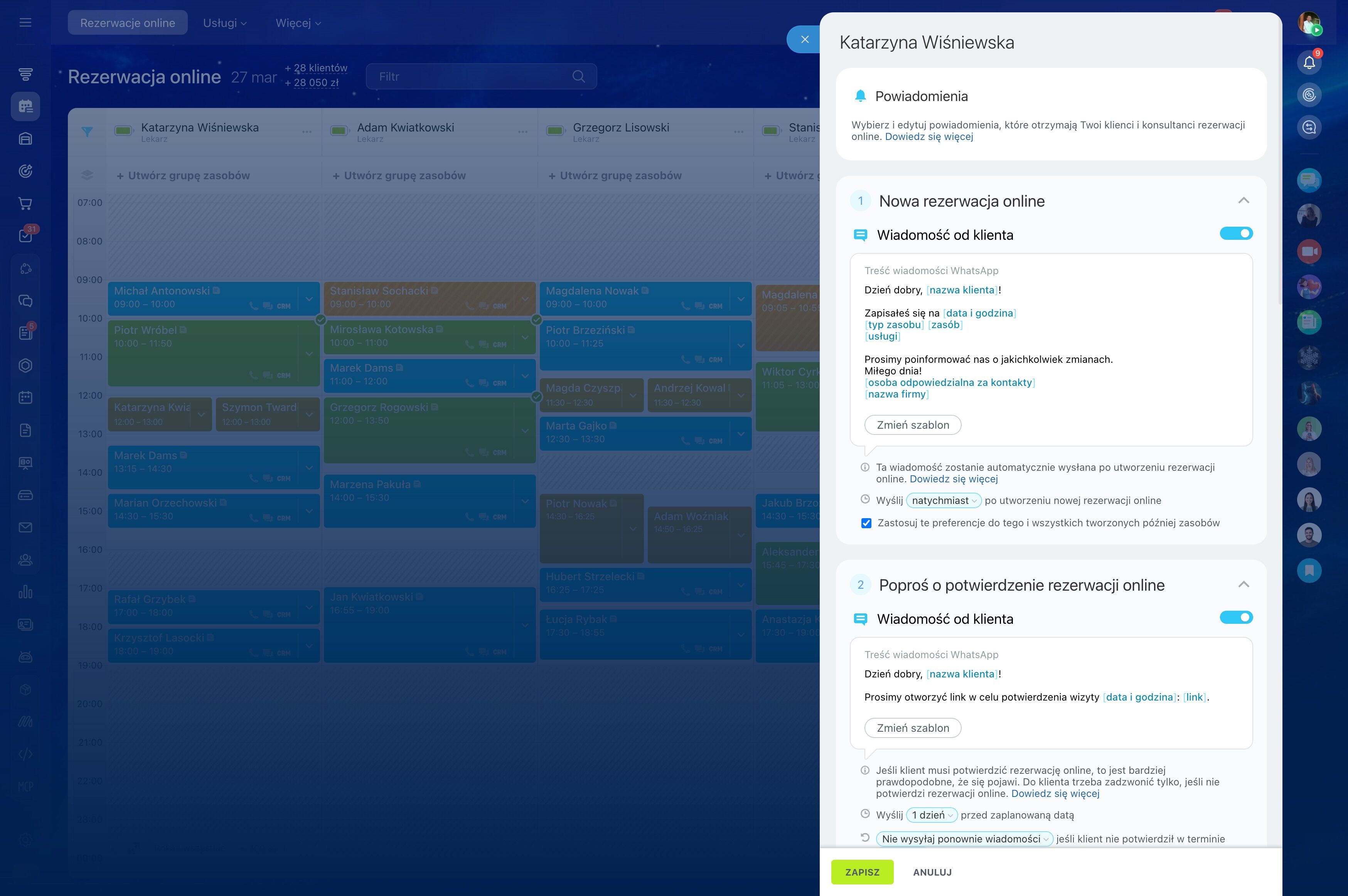
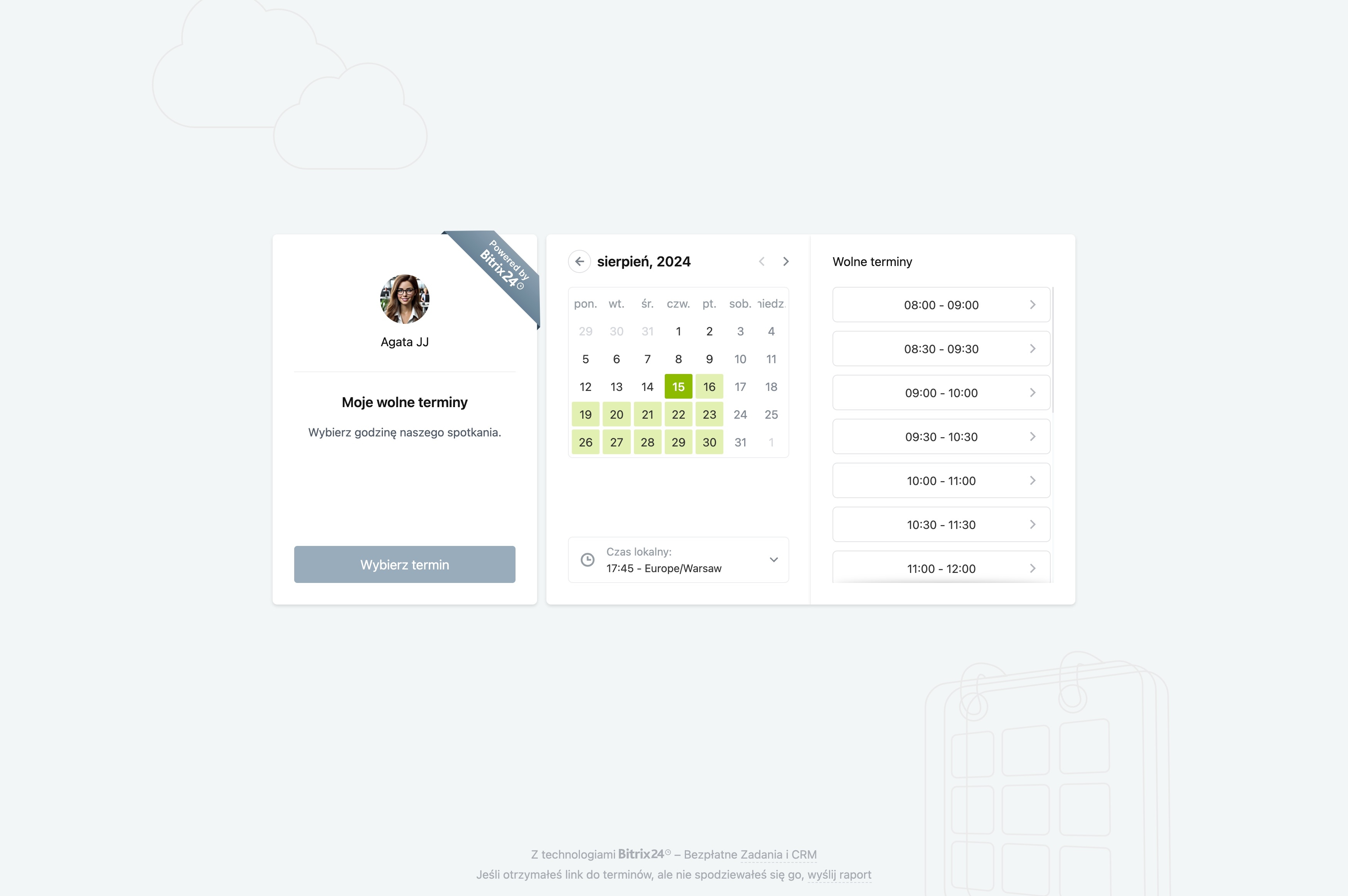
Start with the availability of the employee, room, equipment, or other resource required for the appointment. A booking page or widget can present suitable slots while the booking details remain connected to the relevant calendar and customer record.
Staff can then see who booked, what was requested, and which person or resource is responsible before confirming the visit.
Create a record for every booking
A confirmed slot should carry the information needed for follow-up, not exist as an isolated calendar entry. Keep the customer, appointment time, request, notes, responsible employee, and status together in the CRM.
- Capture contact and appointment details.
- Assign ownership to the appropriate staff member.
- Track the booking as it moves toward the appointment.
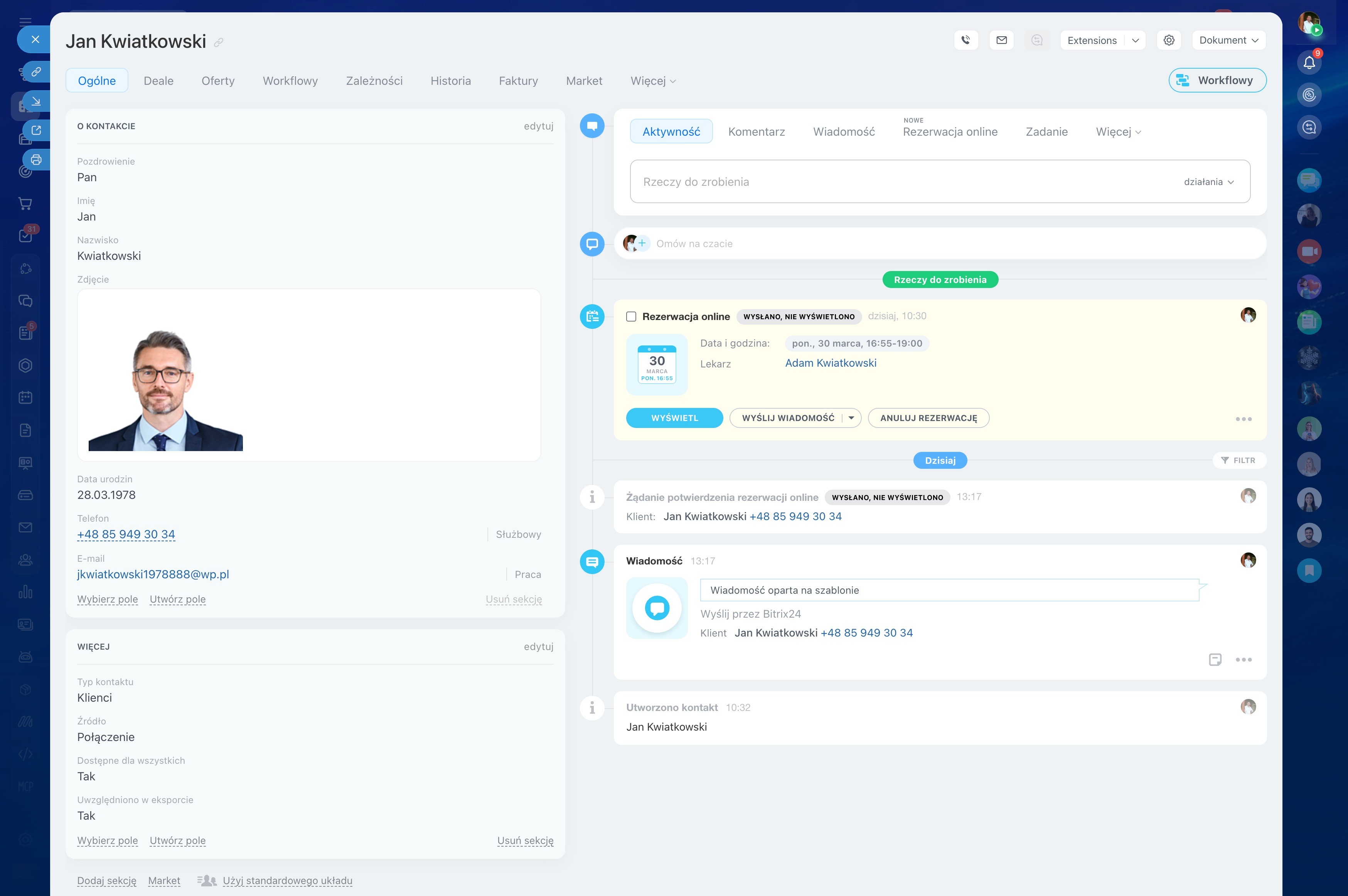
Confirm the appointment early
A confirmation gives the customer a clear reference for the agreed time and lets staff catch changes before the appointment date. Include the essential booking details so the customer can recognize the appointment and respond if something is incorrect.
For a small team, a defined confirmation step makes follow-up consistent instead of leaving it to individual memory.
Turn rescheduling into a clear next step
When a customer cannot attend, update the booking instead of letting the appointment disappear. Staff can review another available time, record the change, and keep the conversation linked to the customer record.
Clear statuses help distinguish completed visits, rescheduled appointments, and bookings that still require follow-up.

Match bookings with staff and resources
Many appointments depend on more than the customer and a time slot. A specialist, room, piece of equipment, or shared calendar may also determine whether the booking is workable.
Keeping these requirements in the workflow gives staff a more accurate basis for confirmations and rescheduling, reducing changes caused by overlooked scheduling conflicts.
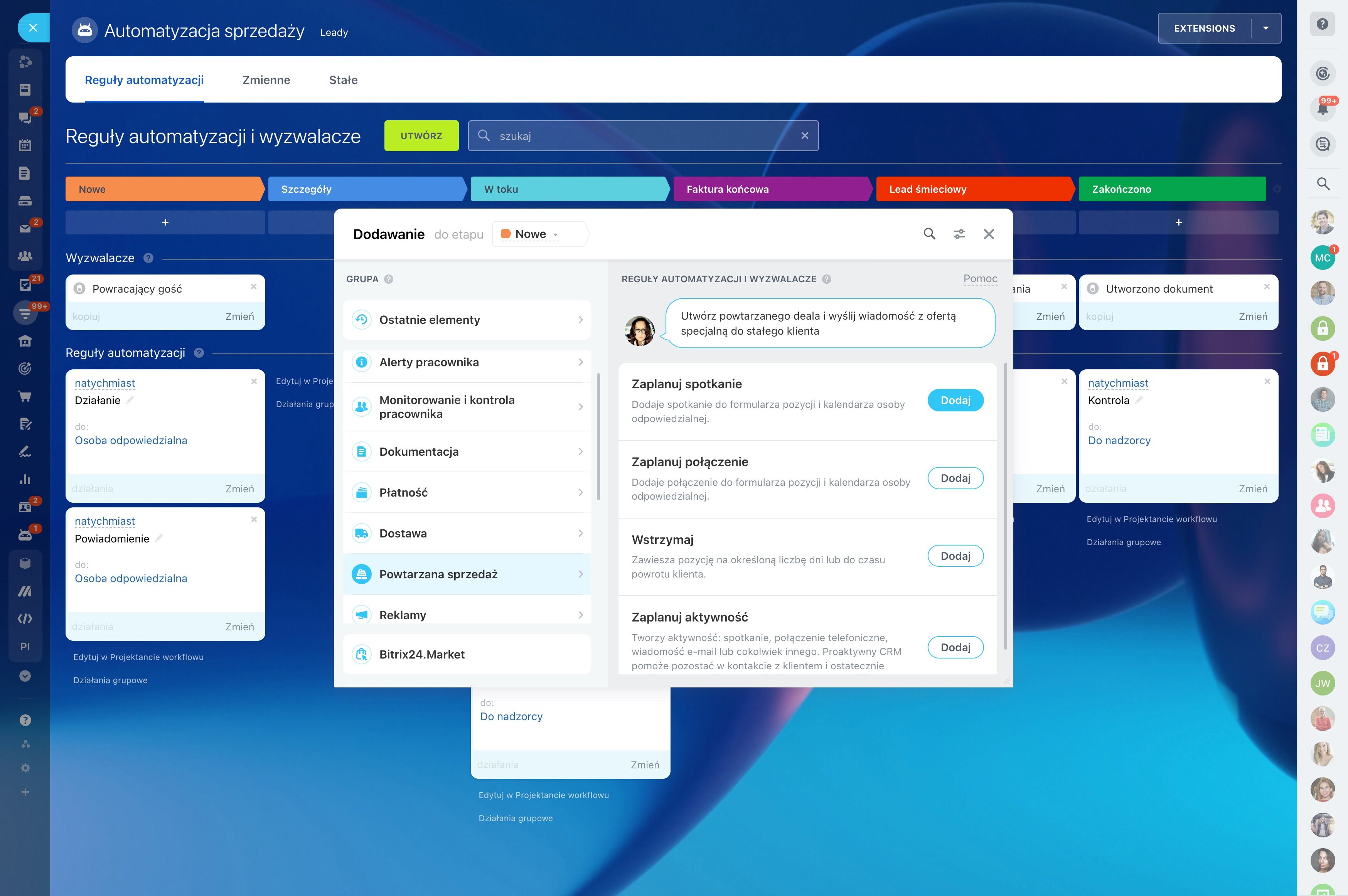
Find where bookings are being lost
Review the stages between booking and attendance: confirmation, reminder, customer response, rescheduling, and final follow-up. Booking statuses and CRM records can show which steps are completed and which remain open.
Use that view to adjust reminder timing, message wording, ownership, or the path offered to customers who need another appointment.